Rack design software for Mac & Windows
Stop drawing boxes.Build the actual rack.
Drag in pixel-perfect front and rear panels, click the real ports to connect them, and see the whole rack in 3D. Then share a link instead of a binder.
Why DaMatrix
From the home studio to the 42U install.
DaMatrix is the desktop app for the people who build and service racks for a living: integrators, IT and network techs, AV and live-sound crews, and studio builders. Lay out racks and panels to scale, connect every real port, and hand the client documentation the next tech can follow on the first service call.
Building out your own music studio? The same tools map every interface, preamp and patch bay in the rack in the corner.
- macOS & Windows
- Works offline
- Free for your own rack
- Plugins as you grow
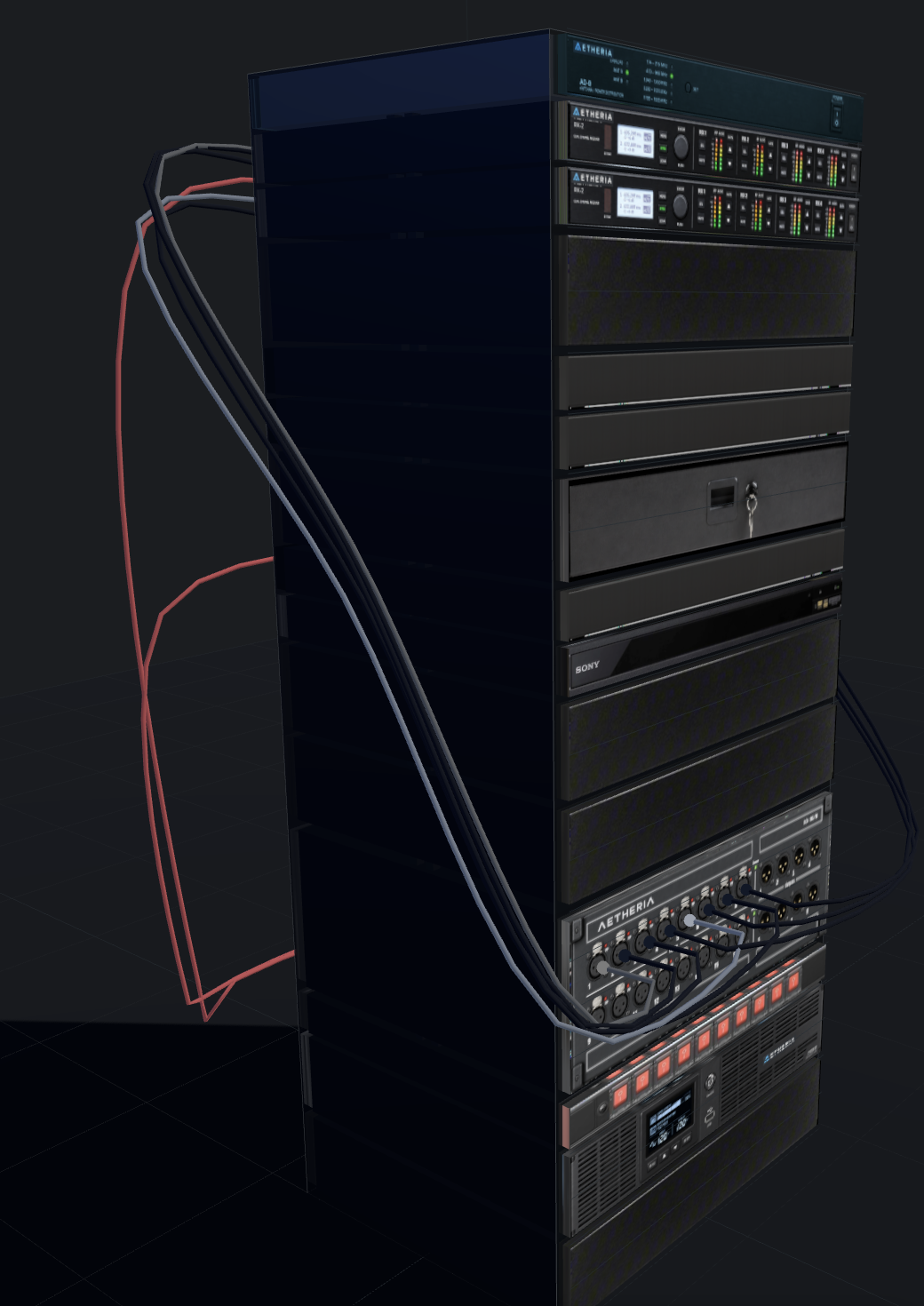
The DaMatrix Difference
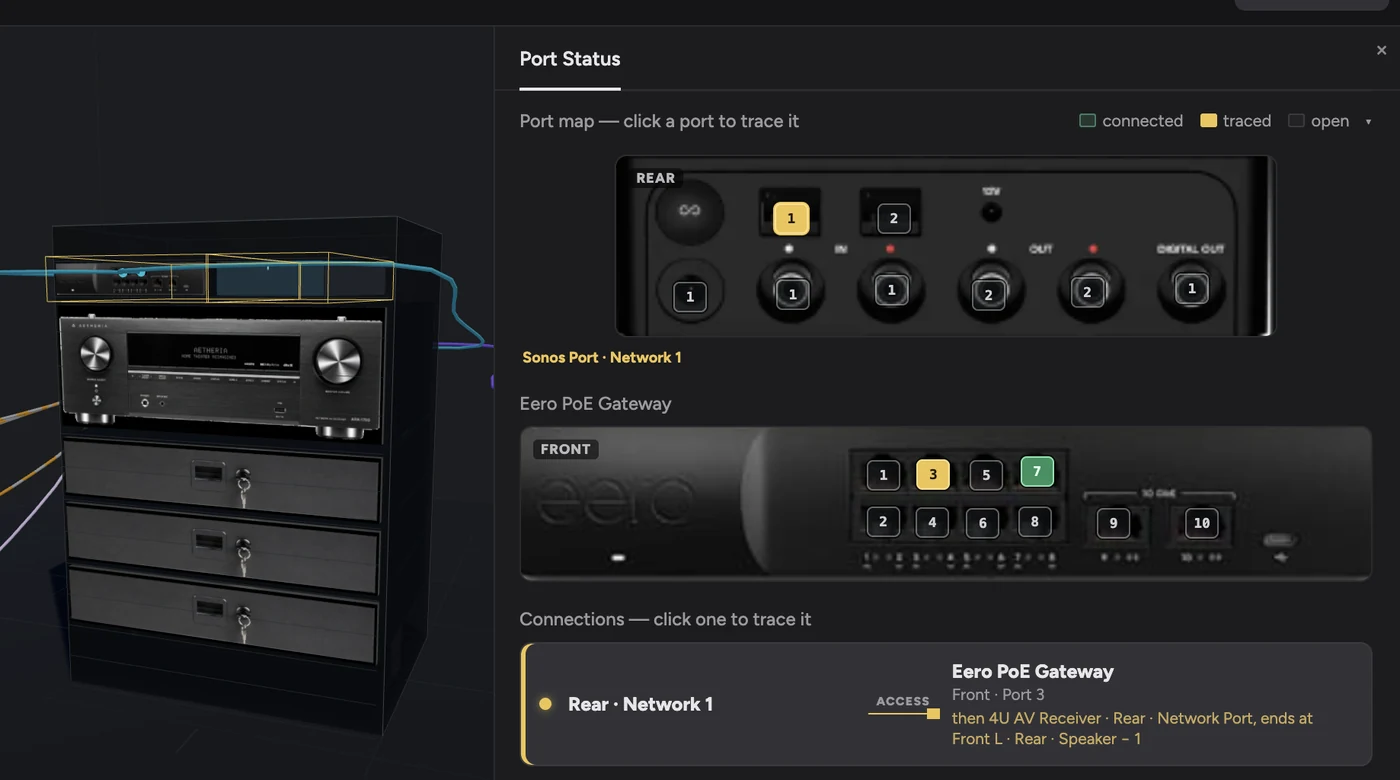
See the actual installation
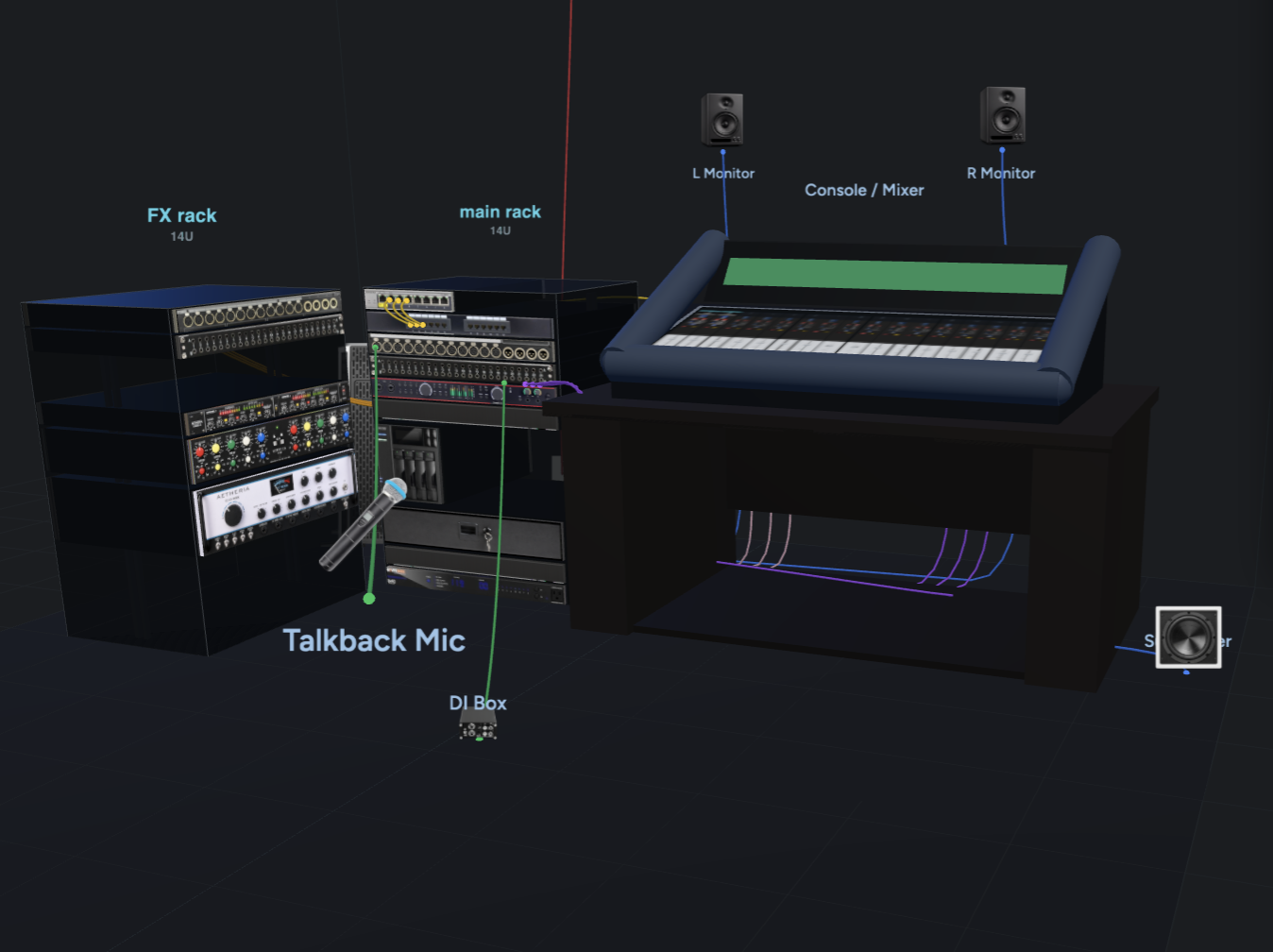
DaMatrix isn’t primarily a schematic, spreadsheet, database, or rack elevation. It creates a recognizable interactive representation of the real system: devices, front/rear ports, cables, racks, rooms, and field equipment.
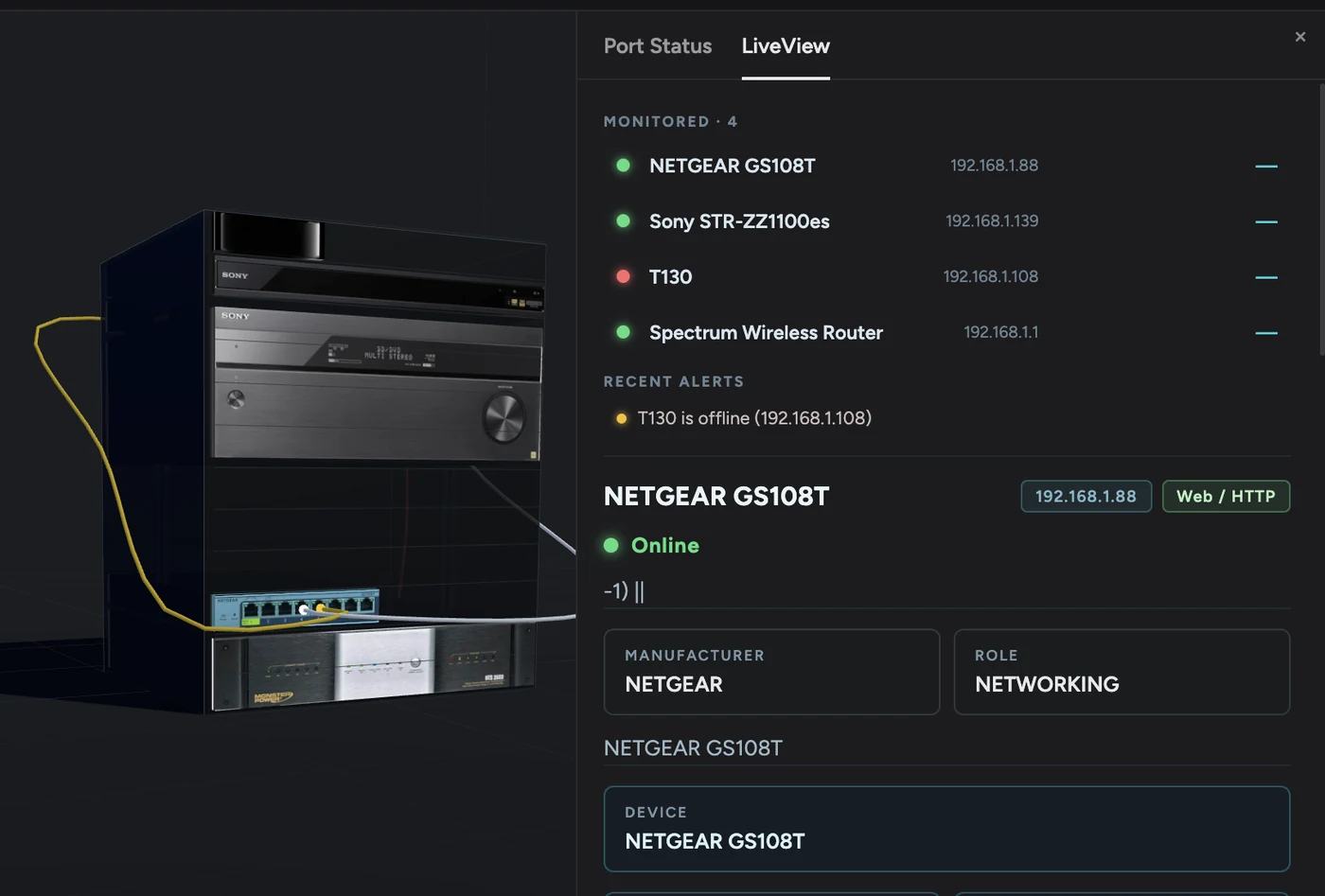
See the system live
Live View turns your documented installation into a real-time operational view, showing device status, connectivity, alerts, and key network information directly alongside the equipment you already mapped.
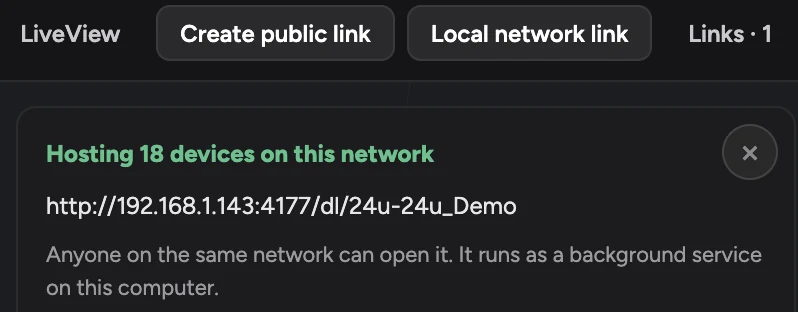
The model stays relevant after the job
Instead of handing over PDFs that start aging the day you leave, place the system into the building’s Vearse Atlas: an interactive 3D record that can be explored, shared, and kept up to date.
Built for the people who install and maintain real systems.
One DaMatrix, extended with plugins to fit the work you do.
AV & Integration
Build a visual record of the entire AV installation, from equipment racks and ports to displays, speakers, control devices, and the rooms they serve. DaMatrix gives installers and customers a system anyone can understand long after the job is finished.
Learn more →Grow DaMatrix with plugins
Start with the rack. Add plugins when the job reaches past it, all in the same project, devices, and connections.
Map
DaMatrix Spaces plugin
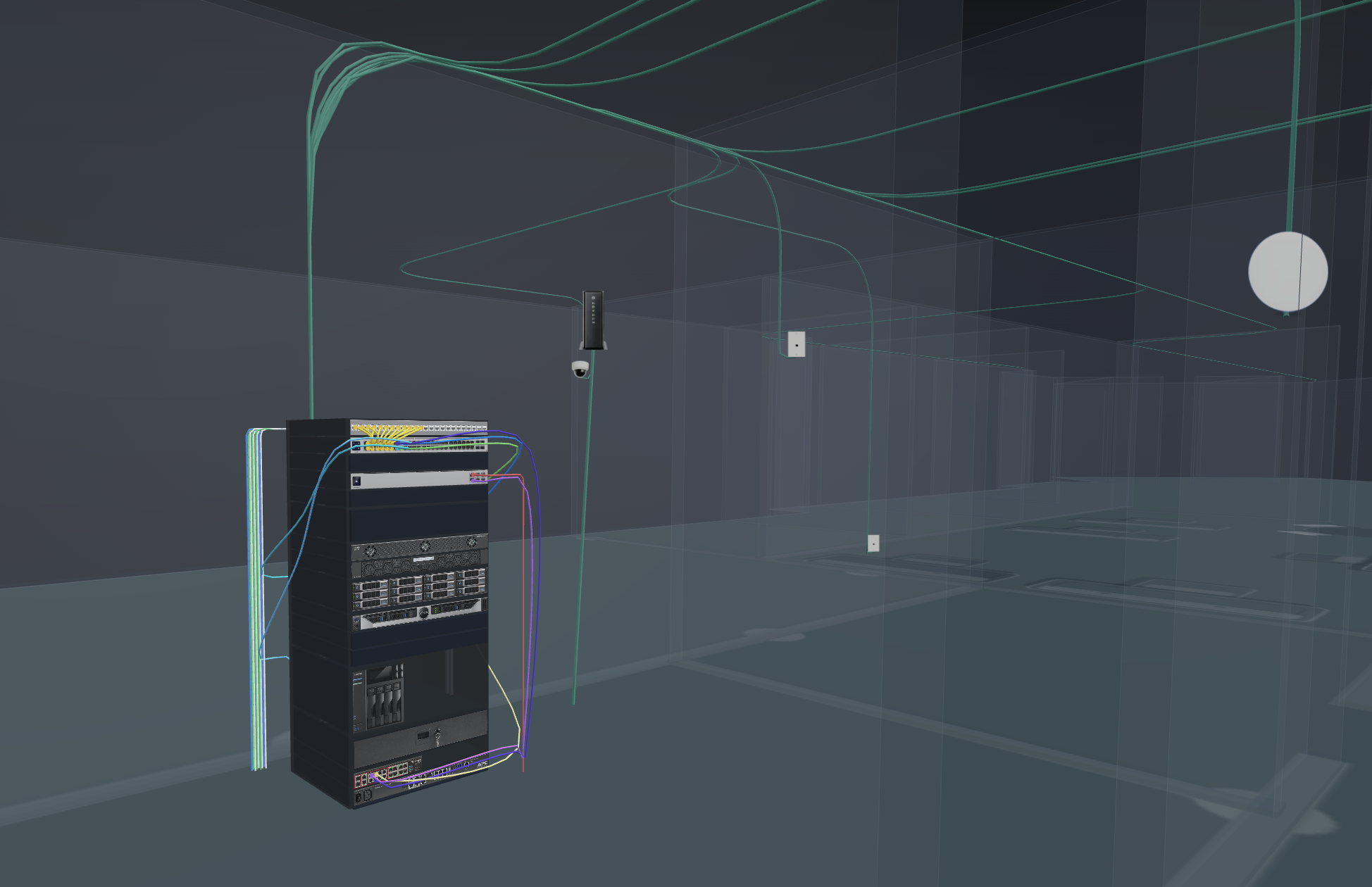
Lay out rooms, floors, racks, and field devices to show exactly where everything lives, and which rack serves each room.
Where DaMatrix meets Vearse
Pros build the rack. The building keeps it.
Every rack and panel you build in DaMatrix (devices, ports, cables and all) can be placed into a building’s Vearse Atlas. Nothing gets rebuilt. Your client sees their system where it actually lives, and the next tech gets the map the last one never left.
- Win the job
- Put your proposed rack inside a 3D model of the client’s own building. A pitch they can walk through beats a spec sheet every time.
- Hand it over
- Leave a link to the building, not a binder that starts aging the day you leave.
- Keep the client
- Every service call starts from the same building map, so the next visit is faster, and it’s still your number they call.
DaMatrix
The rack & panel, port by port
Workshop
Placed in the room it serves
Atlas
Part of the 3D building record
Part of Vearse
Your racks need a building. Vearse is where it lives.
DaMatrix builds the rack. Vearse, our sister platform, maps the building around it, right in the browser. Anyone can start a building there for free, from integrators to the homeowner whose walls you just wired.
Groundwork
Walk the property with a phone, set the building’s footprint, and pin what you find.
Workshop
Lay out rooms and floors in 2D, then place your DaMatrix racks where they actually sit.
Atlas
Walk the whole building in 3D, walls and all, and follow every run back to the rack.
Free to survey, edit, and preview in 3D. Publishing and sharing need a paid Vearse account.
Free for your rack. Pro for your clients’.
Build, wire, and spin your own rack in 3D for free, for as long as you like. Go Pro when the rack belongs to someone else.
Free
For your own rack.
$0forever
- One rack, front and rear
- Pixel-perfect panels from the device library
- Wire every port with a click
- Full 3D view of your rack
- Free forever. No card needed.
Pro
Launch priceFor racks you build for someone else.
$2.95/ month
Launch price, for a limited time.
Everything in Free, plus:
- Unlimited racks
- Share a link your client can open in any browser
- Invoicing with real equipment pricing
- Add plugins like Integrate
- Every update included
- Cancel anytime
Plugins like DaMatrix Spaces and Integrate are add-ons, available as they launch. See plugins
Build your next rack in DaMatrix.
Install it, build the rack you were going to build anyway, and walk away with documentation anyone can follow. If it saves you ten minutes on one service call, it has paid for itself.
macOS & Windows · Free for your own rack · Pro from $2.95/month