Inserts Only Go Where Inserts Fit
Drop one in and it seats in the nearest opening.
Drag, drop or step with the arrow keys: an insert always lands in a numbered opening, never halfway between two.
DaMatrix plugin
Every wall plate, laid out insert by insert.
Keystone gives integrators, AV and IT pros, and homelabbers a keystone wall plate to fill: pick how many openings it has, then drop in the HDMI, network, coax and audio inserts that are really there. It works inside DaMatrix Pro.

Every wall plate, laid out insert by insert.
Was $5.99now $1.99
One time. No subscription.
Requires DaMatrix Pro ($2.95/mo).
1, 2, 3, 4 or 6-port single-gang plates.
Choose the opening count from one dropdown. Every opening is numbered, so port 1 is port 1 on the plate and in your notes.
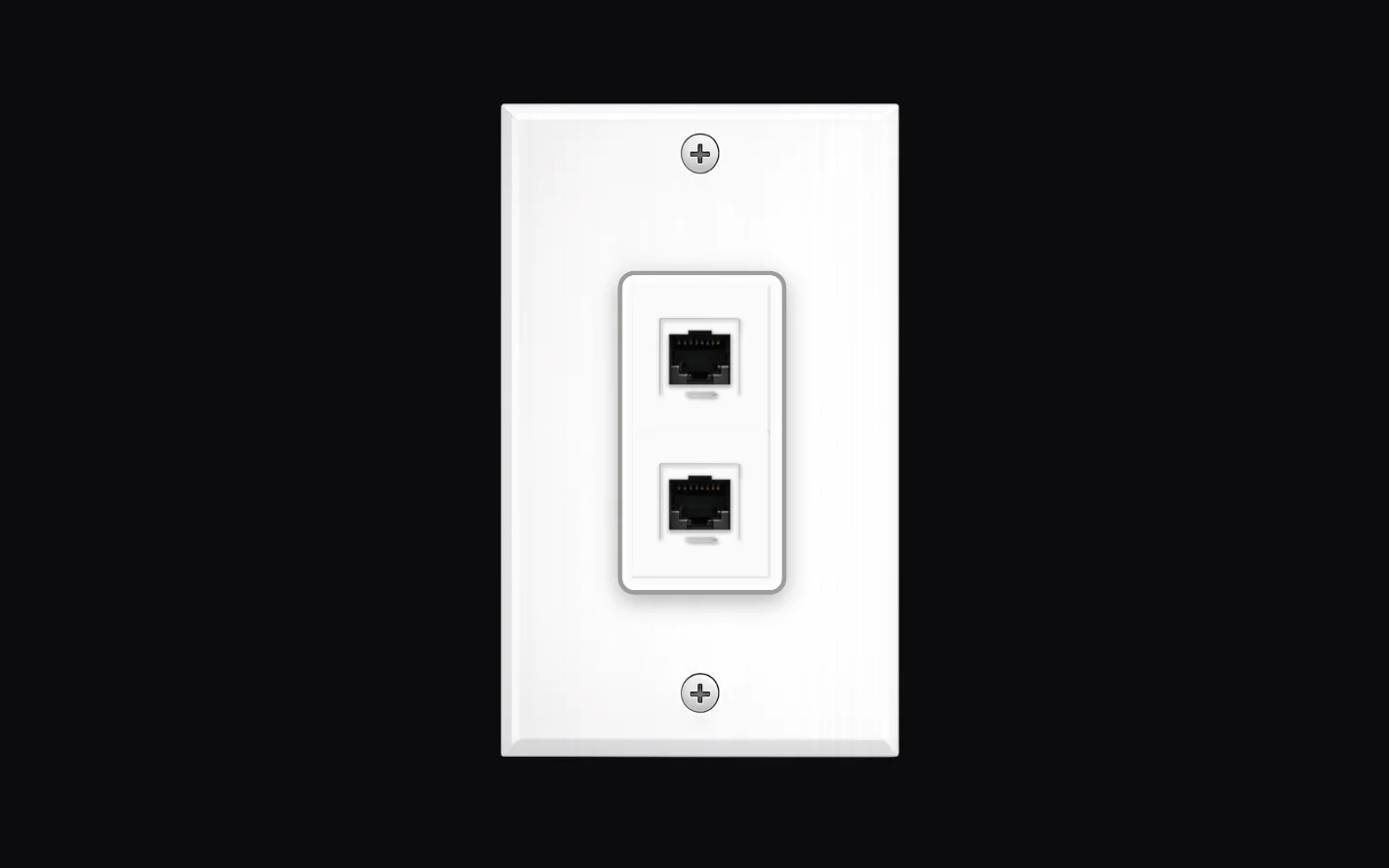
HDMI, RJ45, USB-C, VGA, DB9 serial, coax, BNC, S-Video, RCA, 3.5mm, TRS, XLR and blank fillers.
Each insert is drawn from a photograph of the real part, so the plate looks like the one on the wall. Drag one onto an open opening and it’s in.
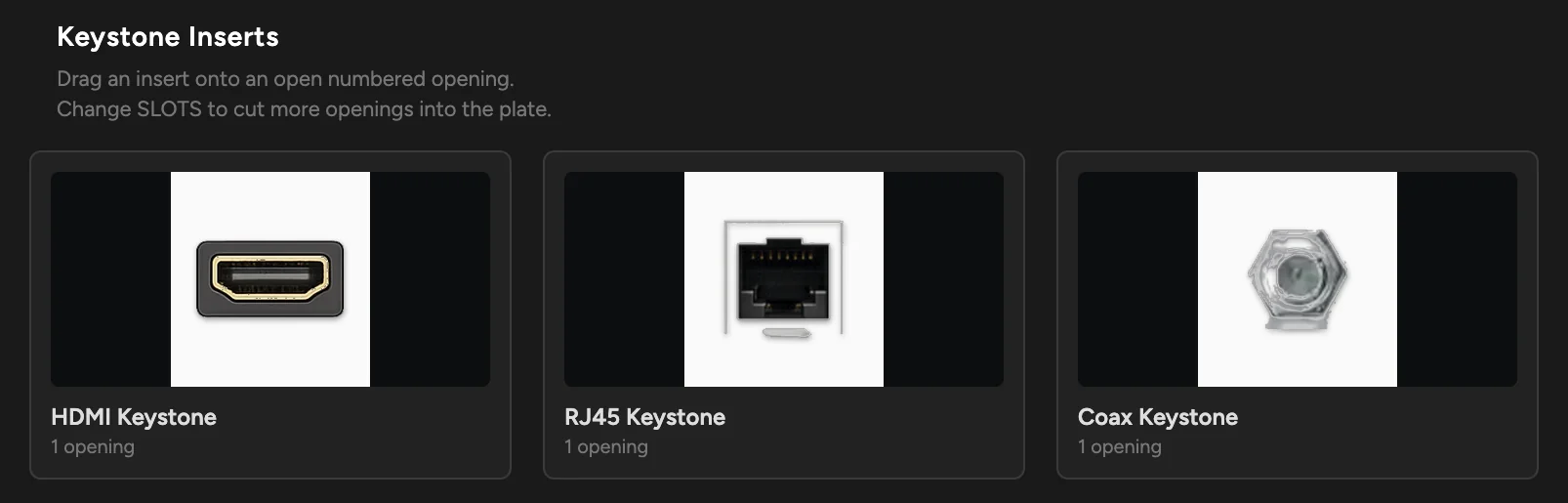
Right-click an insert to add as many as you need.
Keystone fills the open positions in order. Four XLRs on a four-port plate takes one click.
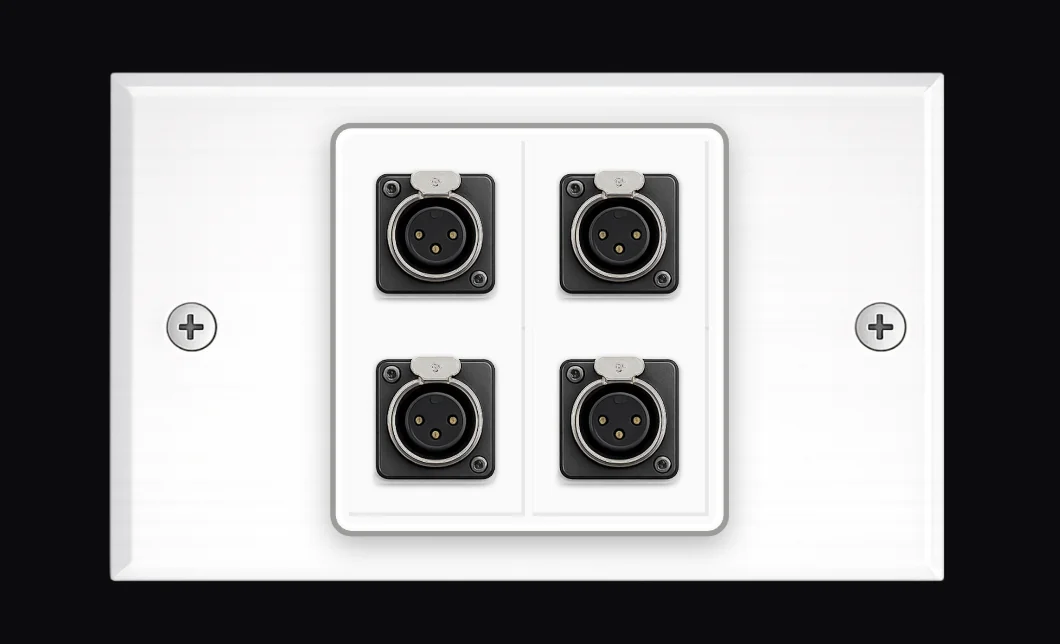
Drop one in and it seats in the nearest opening.
Drag, drop or step with the arrow keys: an insert always lands in a numbered opening, never halfway between two.
Switch from a 2-port to a 6-port plate.
Your inserts stay seated in their numbered openings.
Each plate saves into your DaMatrix project.
Open the project and it comes back exactly as you left it.
The plate you built becomes a real device in your project.
Put it on the wall, then cable it like anything else: the mic into port 1 on the front, the rear out to the interface in the rack. Its port map shows the front and rear of the plate, with every connected opening lit and numbered.
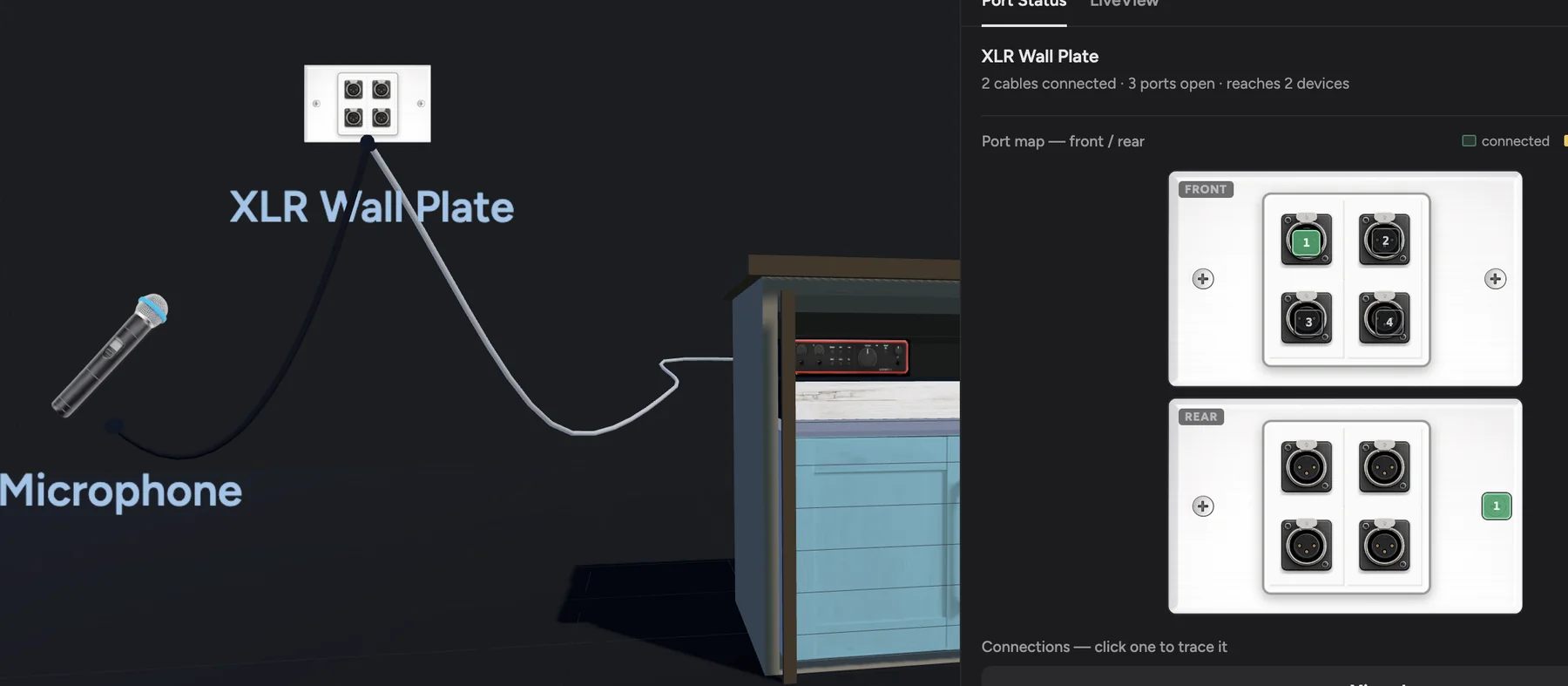
Cables connected, ports open, devices reached.
Select the plate and DaMatrix sums it up in one line.
Click a connection to trace it.
Follow a port on the plate back to the gear it feeds.
Was $5.99$1.99
One time. No subscription.
Requires DaMatrix Pro ($2.95/mo).